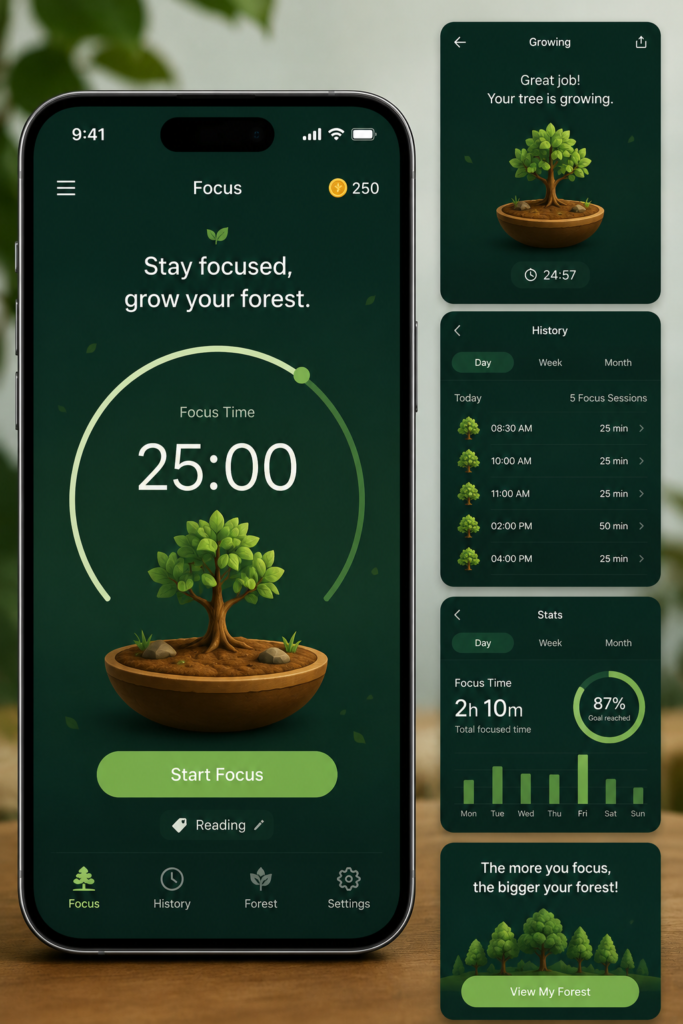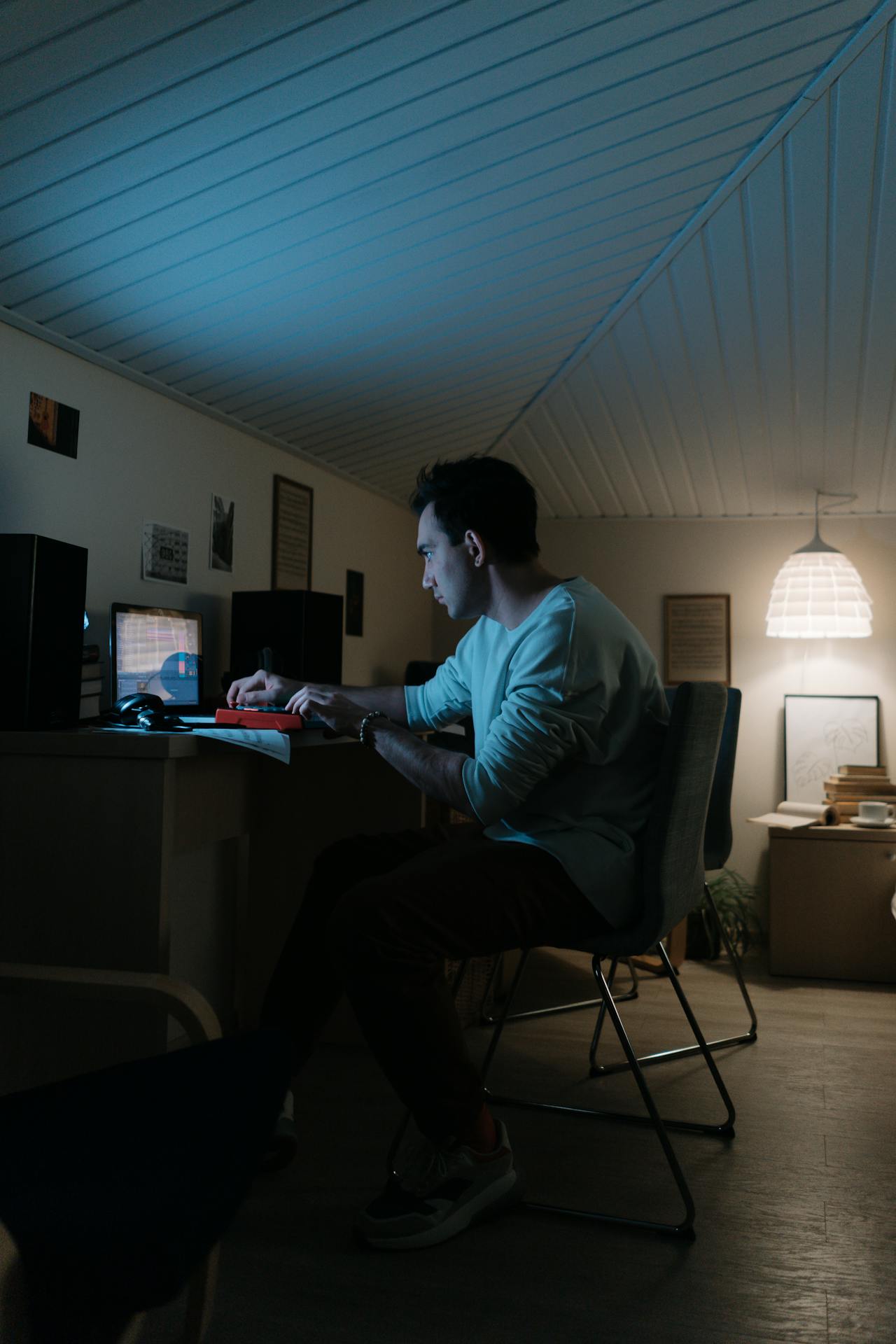
Many creators struggle silently with overload, pressure, and digital burnout.
The internet has created incredible opportunities for creators.
Today, anyone with a smartphone, laptop, or internet connection can build an audience online. Platforms like YouTube, Instagram, LinkedIn, Medium, and TikTok have made content creation more accessible than ever before.
But behind the creativity, many creators are struggling silently.
Burnout is becoming one of the biggest problems in the digital creator world.
Every day, creators feel pressure to:
•upload consistently
•stay relevant
•follow trends
•improve quality
•grow faster
•compete with algorithms
At first, content creation feels exciting.
•mental exhaustion
•creative fatigue
•stress
•inconsistency
•loss of motivation
The problem isn’t always laziness.
Often, it’s overload.
Modern content creation can quickly become mentally overwhelming when creators try to do everything manually without systems or workflows.
In this article, we’ll explore why so many creators burn out online and how smarter digital systems can help creators stay creative without destroying their mental energy.
The Pressure of Constant Content
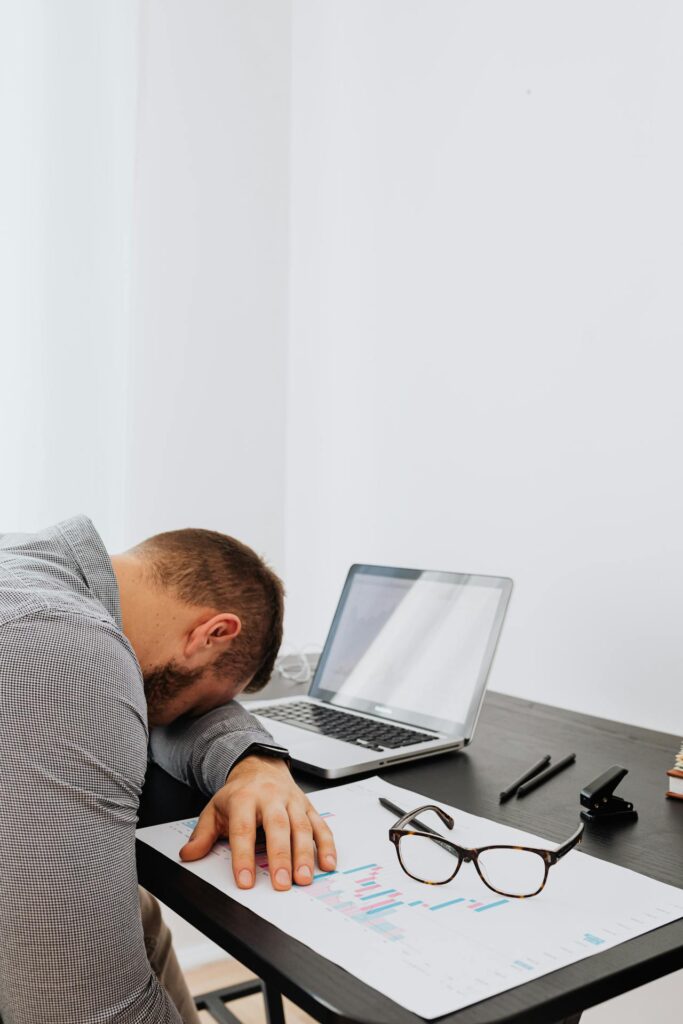
Constant digital pressure can quickly overwhelm creators mentally and emotionally.
One of the biggest reasons creators burn out is the pressure to stay constantly active online.
Social media platforms reward:
•frequent uploads
•fast content
•consistency
•high engagement
Because of this, many creators begin believing they must constantly produce content to survive online.
This creates an unhealthy cycle.
Creators wake up thinking about:
•views
•followers
•trends
•algorithms
•analytics
•engagement
Over time, the internet stops feeling creative and starts feeling exhausting.
Many creators begin comparing themselves to others online.
They see:
•viral videos
•large audiences
•luxury lifestyles
•rapid growth
but rarely see the stress happening behind the scenes.
This comparison creates additional mental pressure that slowly drains motivation and confidence.
Why Overload Destroys Creativity
Creativity requires mental space.
But many creators overload themselves with too many responsibilities at once.
A single creator may be trying to:
•write blogs
•edit videos
•design thumbnails
•research trends
•manage social media
•answer comments
•learn algorithms
•improve SEO
all at the same time.
Eventually, the brain becomes overloaded.
When creators constantly multitask without structure, creativity becomes harder to access.
This is why many creators experience:
•idea blocks
•procrastination
•inconsistency
•mental fatigue
The problem often isn’t lack of talent.
It’s lack of systems.
The Hidden Side of Consistency
Consistency is important online.
But many creators misunderstand what consistency actually means..
Consistency does not mean:
•uploading every hour
•forcing creativity daily
•sacrificing sleep
•working constantly
Healthy consistency comes from sustainable systems.
Creators who survive long-term usually build workflows that reduce stress instead of increasing it.
For example:
•organizing ideas
•scheduling posts
•simplifying editing
•reusing workflows
These systems reduce mental overload and make consistency easier.
Without systems, creators eventually depend entirely on motivation.
And motivation is unreliable.
The Algorithm Trap
Many creators become emotionally controlled by algorithms.
A video performs badly and motivation disappears.
A post gets low engagement and self-confidence drops.
This creates emotional instability.
Creators start measuring self-worth through numbers:
•likes
•views
•followers
•shares
But algorithms constantly change.
Even high-quality content sometimes performs poorly.
Creators who tie their mental health completely to performance metrics often experience burnout much faster.
The healthiest creators focus on:
•improving skills
•building systems
•learning storytelling
•developing long-term consistency
instead of obsessing over every upload.
Why Workflow Systems Matter 🚀
One of the most important things creators can build is a workflow system.
Workflows reduce decision fatigue.
•writing
•editing
•planning
•researching
•publishing
This creates structure.
Structure protects mental energy.
For example, creators can:
•dedicate one day to scripting
•one day to editing
•one day to scheduling
•one day to research
This is much healthier than constantly switching tasks every hour.
Modern digital tools also help simplify workflows dramatically.
Today, creators use tools for:
•organization
•productivity
•editing
•automation
•content planning
These systems reduce repetitive work and help creators focus more on creativity itself.
The Rise of Mental Fatigue Online
Digital burnout isn’t only physical.
It’s psychological.
Creators are constantly consuming information
•trends
•notification
•comments
•news
•analytics
•social media feeds
The brain rarely gets silence.
This constant stimulation creates mental fatigue.
Over time, creators may begin feeling:
•emotionally number
•unmotivated
•disconnected from creativity
•mentally exhausted
This is becoming increasingly common in modern digital culture.
The internet rewards speed.
But human creativity often needs slower thinking.
Why Cinematic and Meaningful Content Matters
Many creators are now shifting away from low-effort content.
Instead of posting random clips daily, creators are beginning to focus on:
•storytelling
•emotional editing
•meaningful experiences
This style of content often feels more fulfilling creatively.
Creators who treat content like:
•mini documentaries
•visual storytelling
•cinematic experiences
often build stronger emotional connections with audiences.
More importantly, they usually enjoy the creative process more.
When creators focus only on chasing views, content creation becomes emotionally draining.
But when creators focus on craftsmanship and storytelling, the process becomes more sustainable.
Building Sustainable Creative Systems 🚀
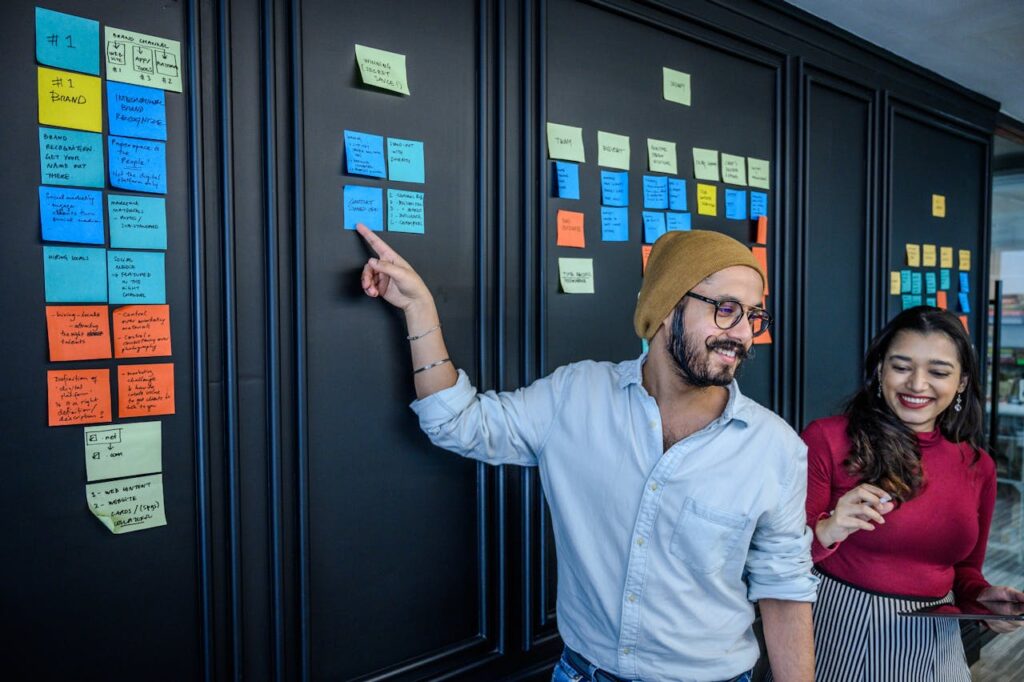
Structured workflows help creators reduce stress and improve consistency.
Long-term creators understand something important:
Working harder is not always the solution.
Sometimes the better solution is building smarter systems.
Sustainable creator systems include:
•organized workflows
•realistic schedules
•rest and recovery
•creative planning
•simplified editing
•healthy digital habits
These systems protect both creativity and mental health.
Without systems, creators often rely entirely on pressure and urgency.
That eventually leads to burnout.
The Importance of Rest

Rest and mental recovery are essential parts of sustainable creativity.
Many creators underestimate rest.
But rest is not laziness.
Rest improves:
•creativity
•focus
•clarity
•emotional stability
Some of the best creative ideas appear when the brain finally slows down.
Constant digital stimulation weakens deep thinking.
Creators who never disconnect often struggle to maintain long-term creativity.
Healthy creators learn when to:
•pause
•reset
•disconnect
•recover mentally
This is essential for sustainability.
The Future of Content Creation
The creator economy is evolving quickly.
In the future, creators who survive long-term will likely focus more on:
•quality over quantity
•storytelling over trends
•systems over chaos
•sustainability over pressure
Audiences are also beginning to value:
•authenticity
•meaningful content
•thoughtful storytelling
The internet is becoming more competitive every year.
But creators who build healthy workflows and sustainable systems will have a much stronger foundation.
Final Thoughts 🚀
Burnout is becoming increasingly common in modern digital culture.
Many creators are not failing because they lack talent.
They are simply overwhelmed.
The pressure to constantly create, compete, and stay relevant can slowly drain creativity and mental energy.
But sustainable creation is possible.
The key is learning how to combine:
•workflows
•organization
•storytelling
•creativity
•rest
•systems
into a healthier process.
Because the goal is not only growing online.
It’s building a creative life that remains sustainable long-term.
Follow for more cinematic creator insights, productivity systems, digital workflow ideas, and technology-focused content for modern creators.