free usefull websites can simplify workflows, improve productivity, and save creators valuable time.
Technology is evolving rapidly, and creators today have access to tools that once required expensive software or advanced technical skills.
From photo editing and design to productivity and workflow management, free websites are making digital work faster, easier, and more accessible than ever before.
The best part? Many people still don’t know these tools exist.
In this guide, we’ll explore 10 incredibly free useful websites that feel almost ,too good to be free.Whether you’re a content creator, student, Beginner,freelancer, or digital professional, these platforms can save hours every week and improve your workflow significantly.
1. Remove.bg ✂️
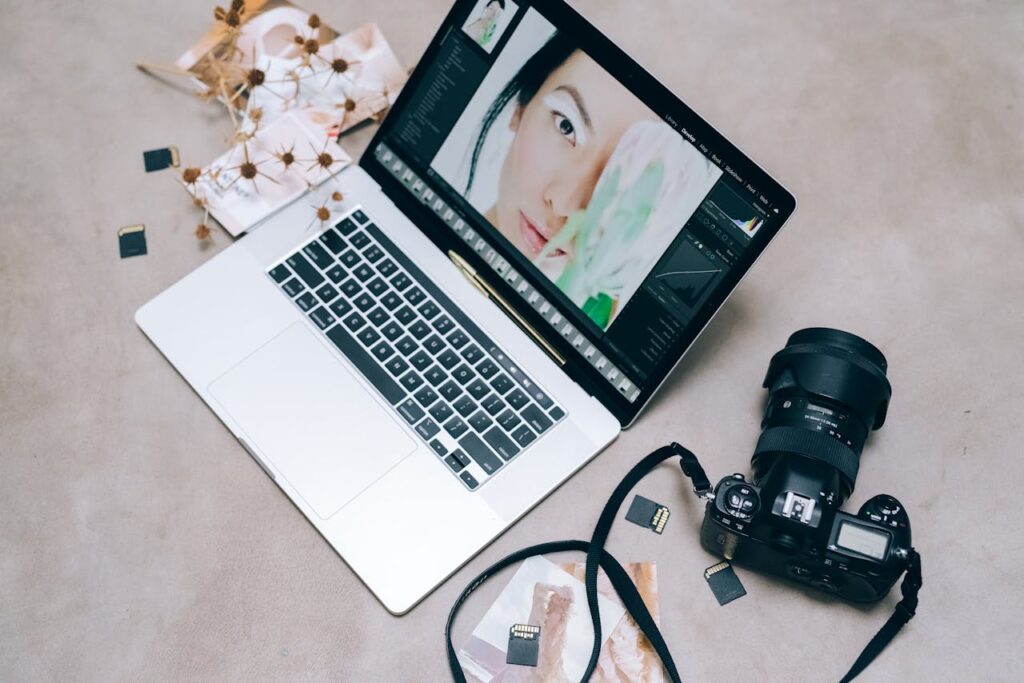
Remove.bg simplifies image editing by removing backgrounds instantly.
Remove.bg is one of the fastest background removal tools available online.
Instead of manually editing photos in complicated software, this website removes image backgrounds automatically within seconds.
It’s perfect for:
•YouTube thumbnails
•Instagram posts
•Product images
•Profile pictures
•Graphic design projects
Creators who regularly edit images can save a huge amount of time using this tool.
2. Tiny Wow 🛠️
Tiny Wow provides dozens of free online tools for productivity and content creation.
You can:
•edit PDFs
•compress files
•convert documents
•generate AI content
•edit images
•summarize text
Many people pay for separate software that TinyWow already offers for free.
This makes it one of the most underrated productivity websites available today.
3. Photopea 🎨
Photopea is often called the “free Photoshop alternative,” and for good reason.
The platform supports:
•PSD files
•advanced editing
•layers
•templates
•graphic design workflows
For beginners and creators who don’t want expensive subscriptions, Photopea is an incredible option.
It works directly in your browser without requiring installation.
4. Canva 🚀
Design platforms help creators produce professional content quickly.
Canva has completely changed digital design for creators.
Even beginners can create
•thumbnails
•presentations
•Pinterest graphics
•logos
•stories
•infographics
Its drag-and-drop system makes content creation simple and efficient.
For creators building personal brands online, Canva remains one of the most valuable free tools available.
5. Notion AI 📋
Organization is one of the biggest challenges for creators and students.
Notion AI helps simplify:
•task management
•note-taking
•workflow planning
•content calendars
•project organization
The AI features also help summarize notes and generate ideas faster.
A clean workflow improves productivity and consistency over time..
6. Grammarly ✅
Good writing matters everywhere online.
Whether you’re:
•blogging
•emailing
•posting on LinkedIn
•creating captions
Grammarly helps improve grammar, readability, and professionalism instantly.
Many creators underestimate how much better communication improves audience trust.
7. Cap Cut 🎬
Short-form content is dominating social media platforms in 2026.
CapCut makes editing:
•YouTube Shorts
•Instagram Reels
•Facebook Reels much easier.
Features include:
•auto captions
•transitions
•effects
•templates
•music syncing
For beginner creators, it’s one of the easiest editing tools to learn.
8. Google Trends 📈

Understanding what people search online is extremely valuable.
https://trends.google.com/trends
Google Trends helps creators discover:
•trending topics
•seasonal trends
•audience interests
•rising keywords
This is especially useful for:
•bloggers
•YouTubers
•marketers
•digital creators
Creating content people already search for increases growth potential significantly.
9. ChatGPT 🤖
AI tools are transforming digital workflows across every industry.
ChatGPT helps with:
•content ideas
•blog outlines
•research summaries
•scripting
•brainstorming
•productivity workflows
The key is using AI to improve efficiency — not replace creativity.
Creators who combine AI with originality often produce content faster and more consistently.
10. Figma 🎯
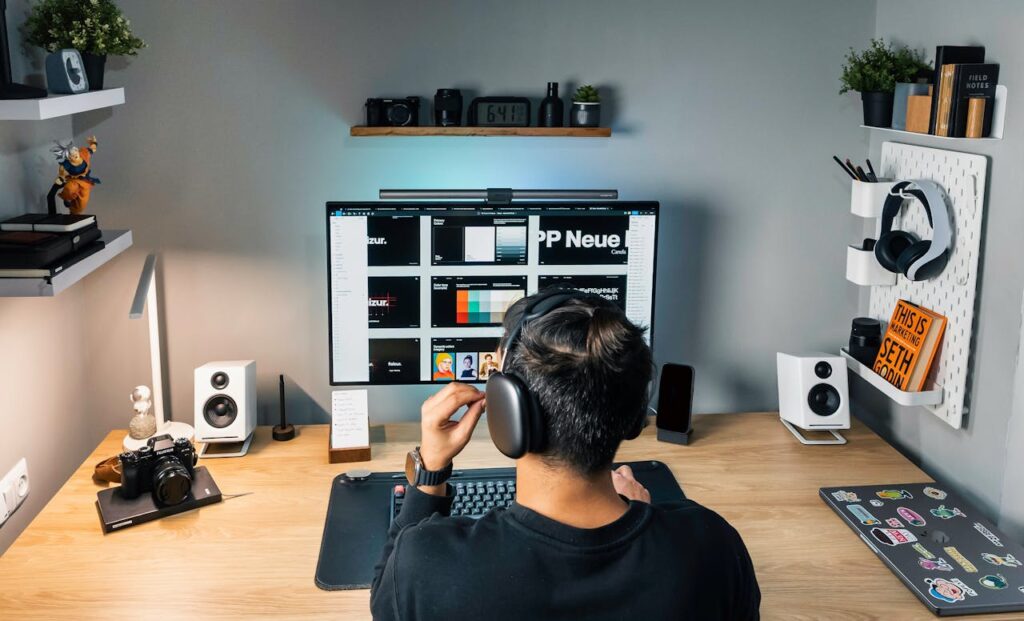
Organized workflows improve consistency and productivity for creators.
Figma is one of the best free collaborative design platforms available online.
It’s widely used for:
•UI design
•app design
•wireframes
•collaboration
•design systems
Even non-designers can use Figma templates for planning visual projects.
For teams and creators working remotely, it simplifies collaboration dramatically.
Why These Websites Matter
The internet now offers tools that once required:
•expensive subscriptions
•powerful computers
•advanced technical skills
Today, creators can:
•design online
•edit online
•automate workflows
•organize projects
•generate ideas
•create professional content
—all using free web tools.
•freelancers
•students
•digital creators
•small businesses
•online professionals
How to Use These Tools Effectively
Many people install too many apps and become overwhelmed.
Instead:
1•Choose tools that solve specific problems.
2•Build simple workflows.
3•Focus on consistency.
4•Learn one tool deeply before adding another.
Technology works best when it simplifies work — not complicates it.
Final Thoughts 🚀
Useful technology doesn’t always need to be expensive.
Some of the best creator tools available today are completely free and accessible online.
Whether you want to:
•improve productivity
•simplify editing
•Organize workflows
•Create better content
these websites can make digital work significantly easier.
As technology continues evolving, creators who learn useful digital tools early will have a major advantage.
The goal isn’t just working harder.
It’s learning how to work smarter.
Enjoyed these useful website,
https://www.sandeepblogging.com
Follow for more AI tools, creator productivity tips, digital workflows, and technology guides designed for creators and students 🚀
Leave a Reply
You must be logged in to post a comment.